

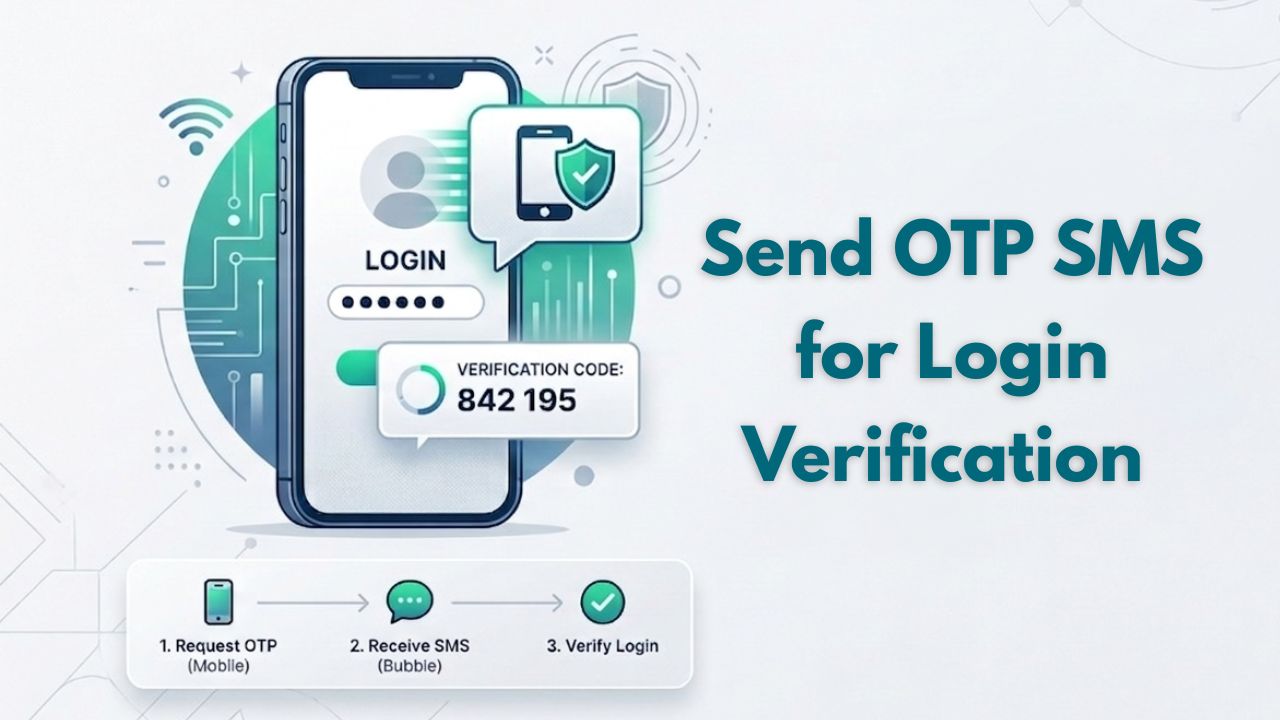
How to Send OTP SMS for Login Verification (Step-by-Step Guide)
Send OTP SMS for Login Verification | Easy Guide
After attempting to log in, a user immediately receives a temporary code on their cell phone, which they will need to enter in order to access the application. It sounds simple however, that seemingly effortless part of the login process represents one of the most established systems (security and confidence) that is common in today’s app marketplace. The traditional username and password combination, used for logging into a majority of online portals and favoured by most end-users, is no longer a dependable way to gain access, end-users reuse, forget, and/or have insecure locations where they store their passwords.
Many companies – from small start-ups to large corporate platforms – are now putting in place Login Using (as OTP) devices (OTP) as their user authentication (login) method. If you’re developing or enhancing your user authentication system, understanding how to utilize this technology through sending OTP SMS for login verification is imperative, especially if you want to create a secure and hassle-free user experience.
Next, let’s detail how you can execute this process in an easy to understand and practical way!
What is OTP SMS for Login Verification?
An OTP SMS for login is a password that is sent via text message when logging into an account to help verify that the user is who they claim to be. When the user tries to log into their account, a temporary code is generated and this code is sent to the user’s registered mobile phone number. The user must enter this code to verify who they are before they can access their account. Many modern applications automate the sending of OTP messages by using an OTP SMS API. so sending out an OTP is a matter of simply sending a single text message to the user’s mobile phone. An OTP message verifies that the user possesses the mobile phone associated with their account during the log-in process and therefore adds an additional layer of security to the process of logging into an online account.
STEPS TO COMPLETE THE PROCESS
Step 1: Obtain the Phone Number of the User
Start by creating an entry page that allows users to input their phone numbers before they can log in. After sufficient validation methods have been put in place, you should be confident that there won’t be any problems with you sending out OTPs.
Step 2: Create a Random OTP
Once you have the user’s phone number, you should generate a secure 4-6 digits OTP. Ideally, your OTP will:
- Be random and hard to guess,
- Be unique for each log-in attempt made,
- Have an expiration duration.
Step 3: Send the OTP Through an SMS
When sending out OTPs, the quality of delivery is key. Although some systems will send out OTP’s using basic SMS services. most systems will utilize an OTP sending API for instant OTP delivery. This allows for time-efficient OTP delivery and therefore should have little or no delays on the recipient’s end.
Step 4: Deliver OTP to the User
The user should receive the OTP within seconds of completion of the previous step. Any delays in delivery, especially at this point, can result in frustration or a user dropping out of the logging-in process.
Step 5: Confirm the OTP Entered
- Once the user has entered the OTP,
- Check the OTP against the OTP generated.
- If the OTP entered matches what was generated then provide that user accessibility.
- If the OTP entered does not match what was generated then display an error message.
Step 6: Specify Expiry and Limits
You can implement security by:
- S-setting how long the code is valid (seconds-minutes)
- L-limiting how many times the user can try the code before it doesn’t work anymore
- F-allowing the user to request another code if necessary
Why API-Based OTP Systems Are More Beneficial
OTPs can be sent either manually, or by using simple tools. However, as the amount of users increase, the reliability of sending codes diminishes.
OTP API Platform offer a number of benefits:
- Q-quick delivery times
- H-higher success rate
- A-automated workflow support
- R-real-time tracking of delivery
- S-scaling during peak traffic
These are the reasons that many companies with high volume of users are moving towards OTP verification API, as opposed to manual OTP systems.
General Best Practices for OTP SMS Delivery
A well-functioning OTP system does not only consist of sending SMS messages with code. Implementing the proper procedures to ensure proper delivery should be done in addition to OTP systems:
- C-keep your SMS messages to 1-3 lines at max
- A-avoid sending the same user multiple OTPs back-to-back
- D-use a recognizable sender name for SMS messages
- C-check SMS delivery reports regularly
- E-enure your SMS sends on a strong network
These five steps, will help minimize the failure of sending OTPs, and improve overall user experience.
Key Issues and Solutions
Problems with OTP serving
- OTP is not getting delivered
- OTP is delayed
- OTP is displaying incorrectly.
OTP SMS Solutions
- OTPs could be a problem because of weak routes or incorrect delivery numbers, but these can be resolved through appropriate validations and quality OTP SMS services.
- Delivery failings can usually be resolved by appending low priority message-routing delivery processes or issues related to slow backend infrastructure.
- Incorrectly displayed OTPs may happen because either there is a timing mismatch between the user and the system, or there are mis Validations on the server side preventing receipt of the OTP.
FAQ
- What do I need to do to receive an OTP via SMS when logging in?
To generate an OTP, send a one-time password via SMS using an API, and then verify the OTP by entering it when prompted by the user within your system.
- How should I choose an OTP length?
An OTP is usually between 4 and 6 numbers.
- Is there any requirement of the Internet to send an OTP?
No, OTPs delivered via SMS will work on standard mobile networks.
- Is sending an OTP sms secure?
Yes, sending an OTP via SMS is usually secure when combined with delayed expiry and a limit on attempts to send an OTP.
Conclusion
The use of OTP SMS verification for securing logins is a preferred option by many individuals and businesses due to the simplicity and efficiency of this method and its ability to meet their needs at all times. The significant thing to consider when using a system such as OTP SMS login Verification is the quality of implementation. A system that is well configured will provide an individual with fast delivery of their OTP, accurate verification of their OTP and a positive experience throughout the entire process.
As companies scale their platforms, the need for dependable communication infrastructure becomes increasingly important. At Arihant Global, the focus stays on three fundamentals that truly impact user experience performance, reliability, and user trust.
User trust starts with a secure and seamless login. OTP verification plays a critical role in that experience.
👉 Contact Our Expert Team and upgrade your OTP SMS system today
Disclaimer
This text is only for knowledge purpose and should not be considered as professional advice. We try to be as accurate as possible but Arihant Global does not warrant any results or completeness of the final product. You are using this information at your own risk. For personalized solutions, professional consultation, compliance guidance, do not hesitate to reach out to our expert team.